
The demo adds a Toolbox and makes the Bottle Printer and Vacuum Robot upgradeable. Don't buy machinery on the purchase price alone: check its placement, materials, power needs, condition and how it supports the goods you actually sell.
Confirmed September demo changes
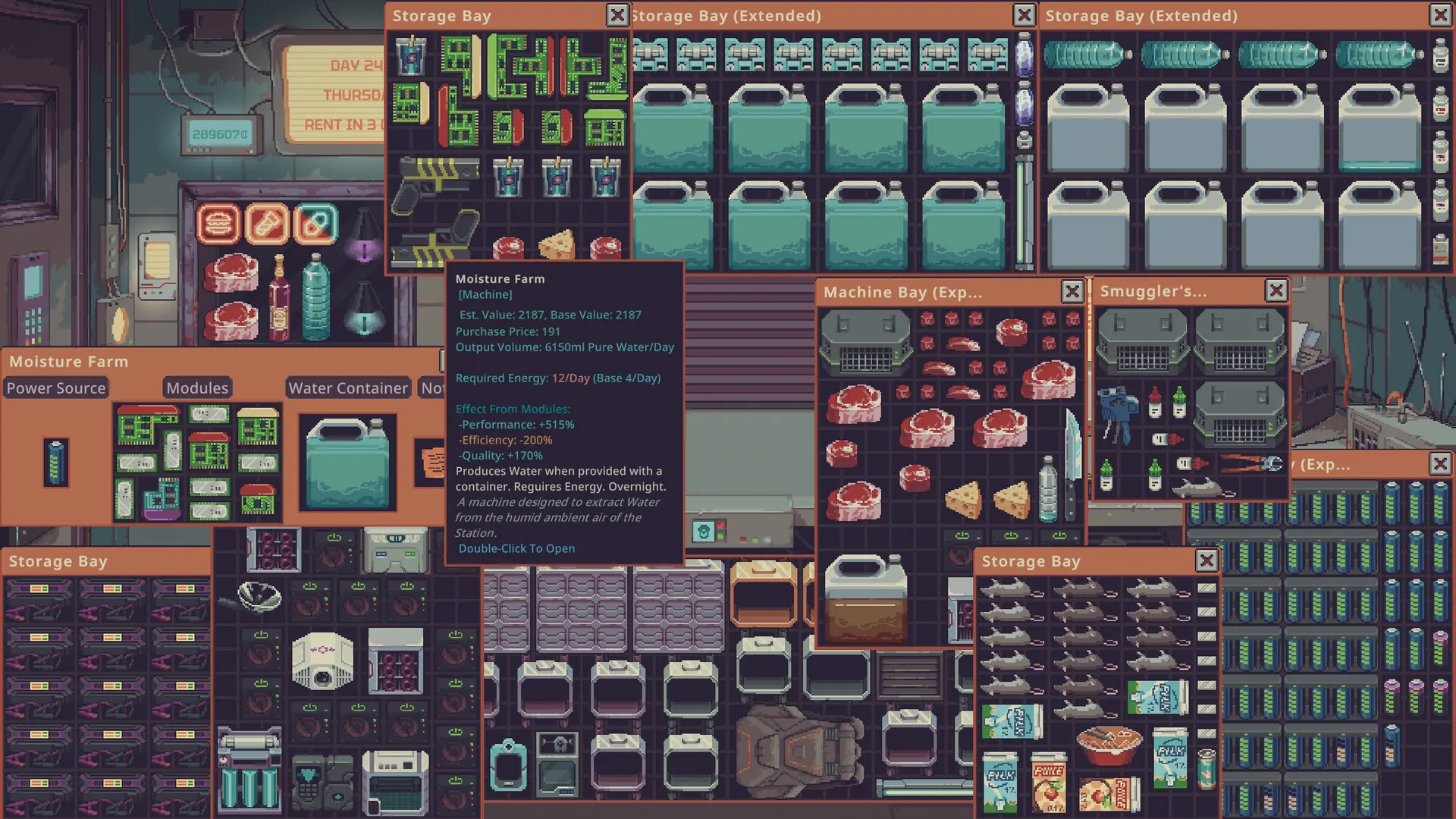
Steam’s demo description explicitly mentions one new machine and item, a new Toolbox, and upgrades for both Bottle Printer and Vacuum Robot. The demo update review video also discusses the Fridge, bottle-printer upgrading and cleaning functionality. The official store text does not publish a complete machine database or fixed cost table, so numbers are intentionally not inferred from an isolated run.
| Equipment | What you can safely plan around | What to check in game |
|---|---|---|
| Toolbox | New to the demo; useful in scavenging-oriented loadouts. | Which tools fit, what you need to carry, available space. |
| Bottle Printer | Upgradeable in the current demo. | Upgrade material, current output and whether bottles are your bottleneck. |
| Vacuum Robot | Upgradeable in the current demo. | Cleaning role, required upgrade parts and operating conditions. |
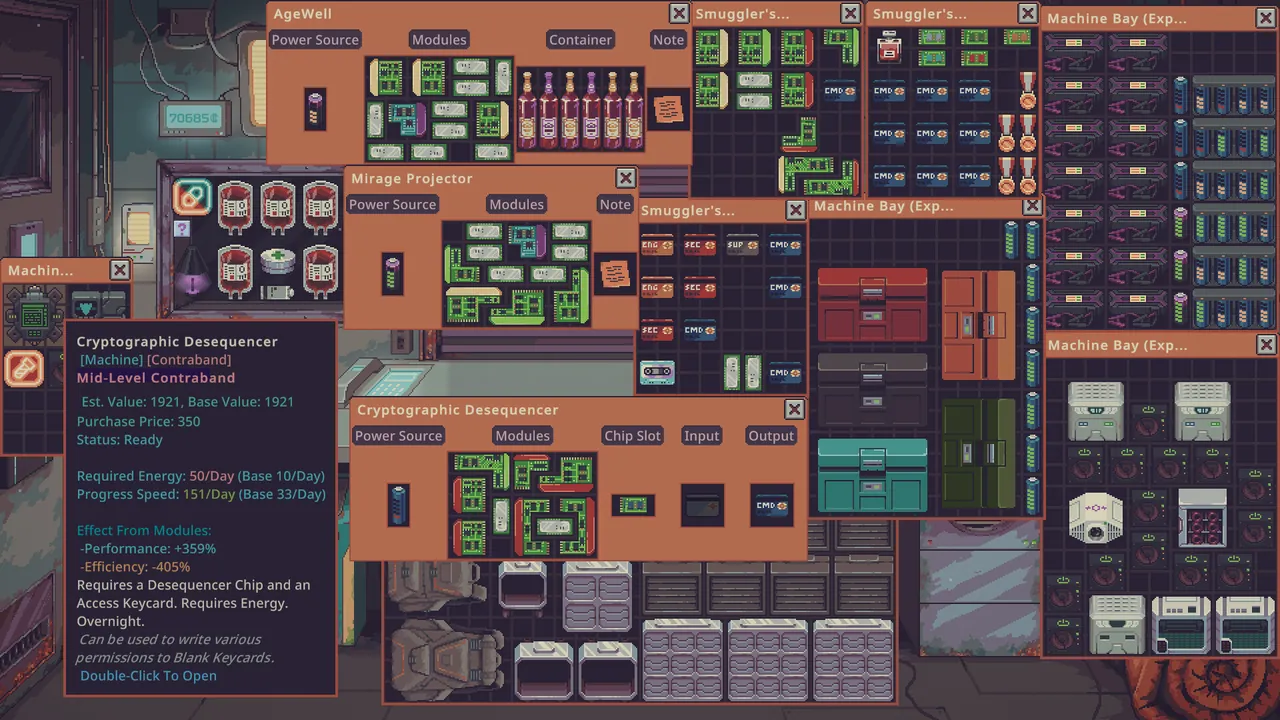
| Fridge | Seen in new-demo footage; storage and chilling feature. | Which goods accept chilling/freezing; do not assume opened liquids work. |
| Moisture Farm | Considered in water-trading gameplay. | Operating supplies, room and whether water demand justifies it. |
| Smuggler’s Bay | Used in extended runs to access a different supply channel. | Unlock status, resources and whether it suits your route. |
How to decide what to upgrade
- Find the constraint: lack of bottles, production speed, storage, scavenging capacity or cleanliness.
- Check whether your planned machine fixes that precise bottleneck.
- Confirm the current upgrade panel rather than copying an older Playtest cost.
- Keep the rent reserve and next day’s materials out of the spendable budget.
- Upgrade, then compare the outcome over several trading days.
The day 35+ Water Merchant video near 26:40 illustrates this thinking: the player weighs a Bottle Printer upgrade, electrical parts and fridge storage rather than buying everything. That is useful decision-making evidence but not a fixed build order.
Toolbox and scavenging
A Water Merchant run near 19:50 discusses keeping tools in a backpack before visiting the dump area. That is worth checking when assembling a scavenging loadout. However, an item seen inside a creator’s toolbox is not proof that every start has it or that the demo universally requires it.
Watch for version drift
The Vacuum Robot and Bottle Printer were specifically changed for the demo. Older screenshots may display a different upgrade panel. When a recipe or part requirement conflicts, the current in-game panel takes precedence. See the demo update comparison and scavenging guide for related decisions.
Toolbox: where to get it, and how to equip a tool
The September 14 UPDATE 049 notes give an actual unlock condition rather than a guessed price: Dr. Jackson can sell the Toolbox after day 14. The Toolbox stores tools, including blue and red labelers. Place a tool in a numbered Toolbox slot and press keys 1–9 to equip the corresponding tool. A newly started save does not have to own it. If it is not on offer, first check the in-game date and Dr. Jackson’s stock rather than assuming the item was removed.
Use the equip mode when applying a tool repeatedly to items; it cuts down the drag-and-drop work. Keep tools in your backpack when going scavenging, as the current Water Merchant run at 19:54 discusses. This video demonstrates a specific backpack workflow, while the patch notes establish the Toolbox’s purchase date and key binds.
The two upgrade paths that changed in September
| Machine | Required upgrade item confirmed by the developer | What the upgrade does | Purchase decision |
|---|---|---|---|
| Bottle Printer | Electronic parts | Unlocks the normal and large bottle printer versions. | Upgrade after checking whether bottling capacity is the limiting step of your water business. |
| Vacuum Robot | A Common Electronic | Adds a built-in incinerator that destroys the feces in the robot’s storage after cleanup when enabled. | Check available power: the upgraded mode uses double the ordinary power. |
Both are stated in the official UPDATE 049 changelog. It does not establish a single global credit cost for every level, so read the current upgrade window for your save. Compare material costs to your other repair needs; do not sacrifice a required rent payment to buy electronics.
Useful controls when your workshop gets crowded
The current patch supports drawing a selection box around several items, moving them together, and using the selection together on a target. Hold Shift while dragging for precise placement in another inventory. Right-click a grid inventory to open its sorting menu. The number of simultaneously open inventory windows increased from 10 to 25, and you can preview containers and machines before buying them. These are especially useful when checking a large machine before committing both credits and floor space. Developer controls and change list.
Last checked September 16, 2026. Instructions refer to the September demo unless otherwise stated.